
Description
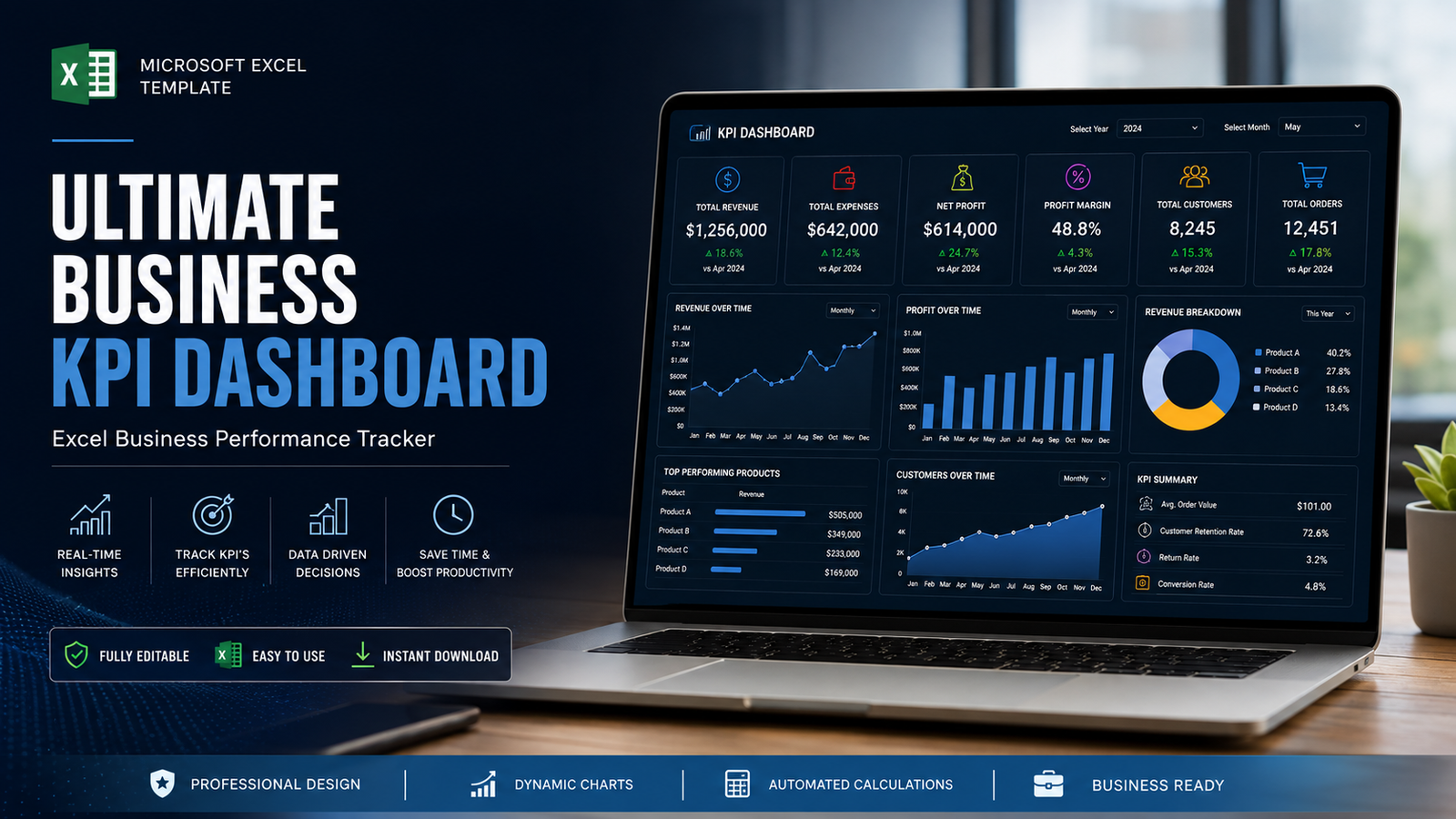
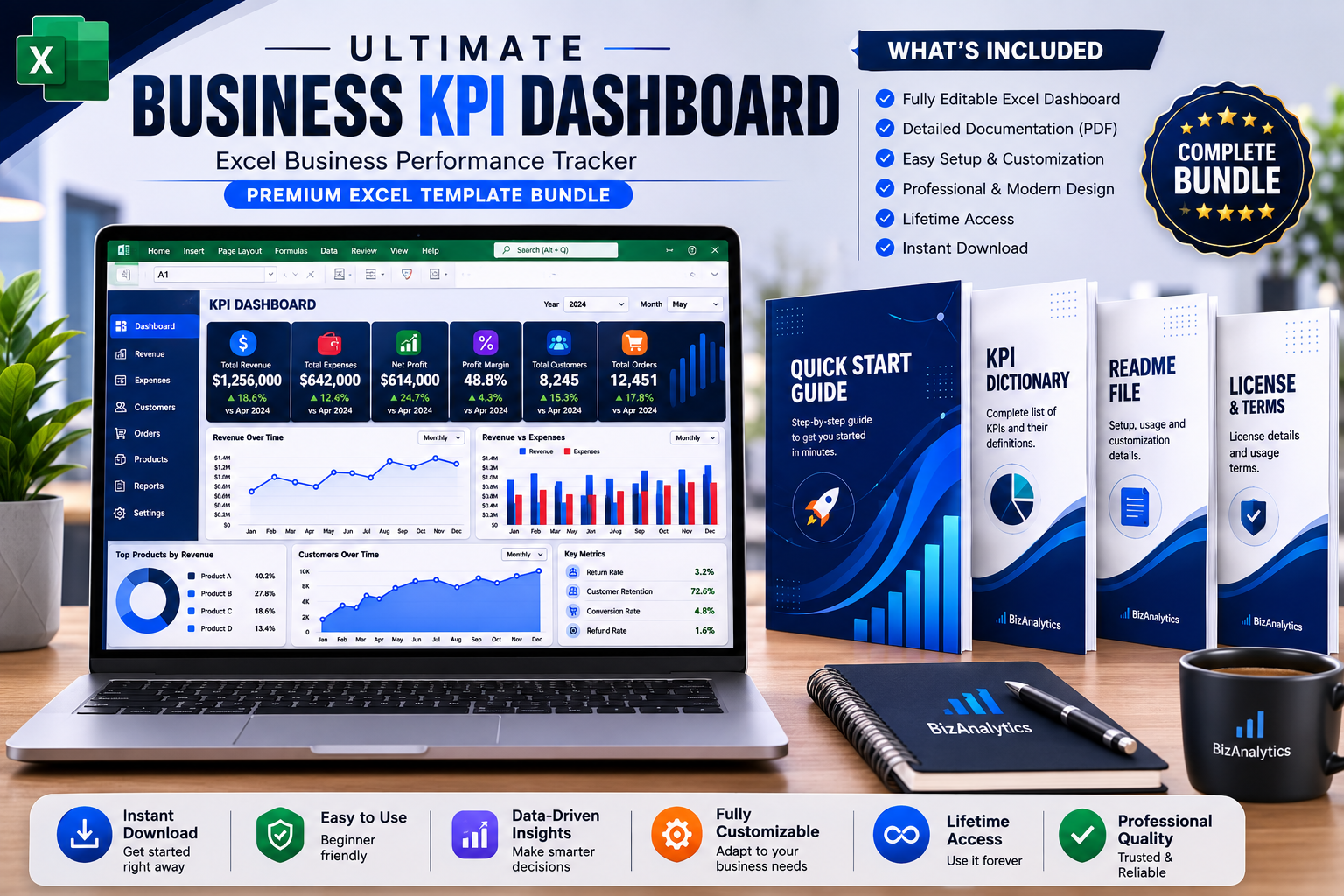
Ultimate Business KPI Dashboard
See your business performance clearly — all in one Excel dashboard.
The Ultimate Business KPI Dashboard is a ready-to-use Microsoft Excel template designed to help business owners, entrepreneurs, managers, analysts and students monitor important business performance metrics in one organized dashboard.
Instead of manually reviewing scattered numbers, use one central workbook to track your revenue, expenses, profit, customers, orders, growth and performance against targets.
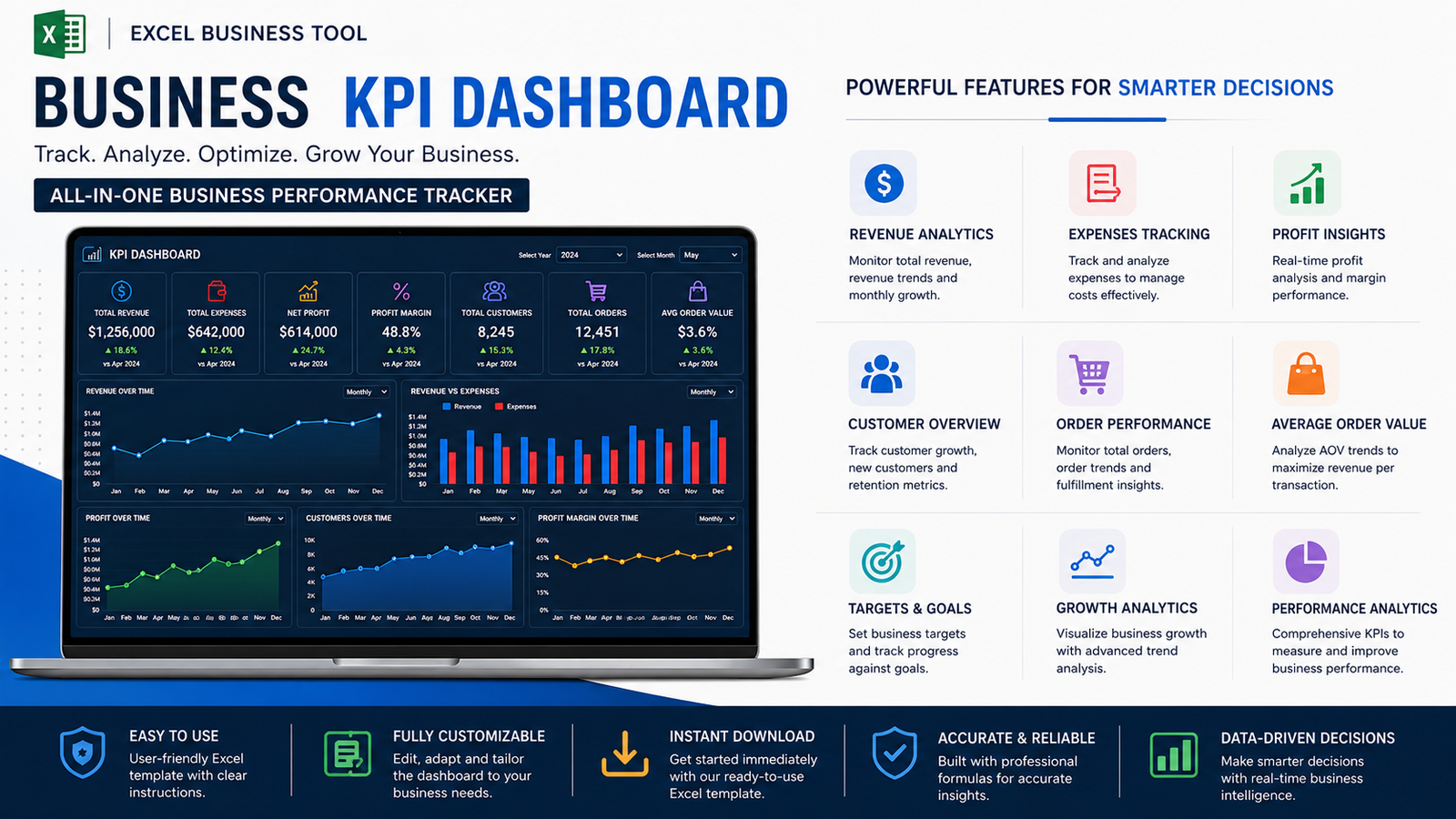
What You Can Track
Financial Performance
- Revenue
- Expenses
- Net Profit
- Profit Margin
- Revenue trends
- Profit trends
Business Performance
- Customers
- Orders
- Average Order Value
- Monthly performance
- Growth
- Target achievement
Visual Dashboard
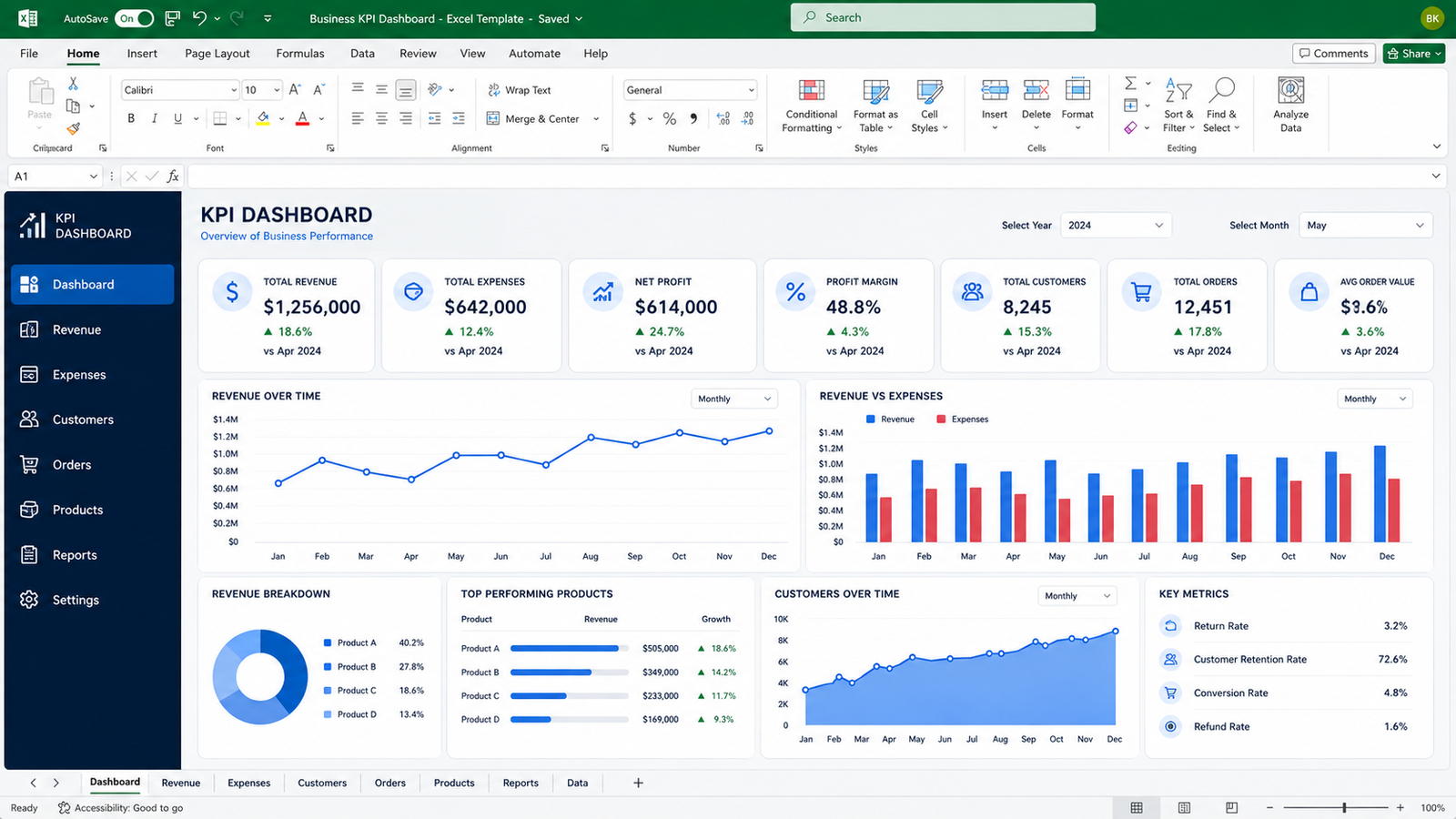
The workbook includes visual charts that make it easier to identify:
- Revenue trends
- Revenue vs. expenses
- Business growth
- Performance changes
What’s Included
Your purchase includes:
1. Ultimate Business KPI Dashboard.xlsx
The main Excel dashboard containing the KPI calculations, data sheet, targets and visual reporting.
2. Quick-Start Guide.pdf
Step-by-step instructions for getting started.
3. KPI Dictionary.pdf
Definitions and calculation references for the included KPIs.
4. README.pdf
Package overview and software information.
5. License.pdf
Usage and licensing information.
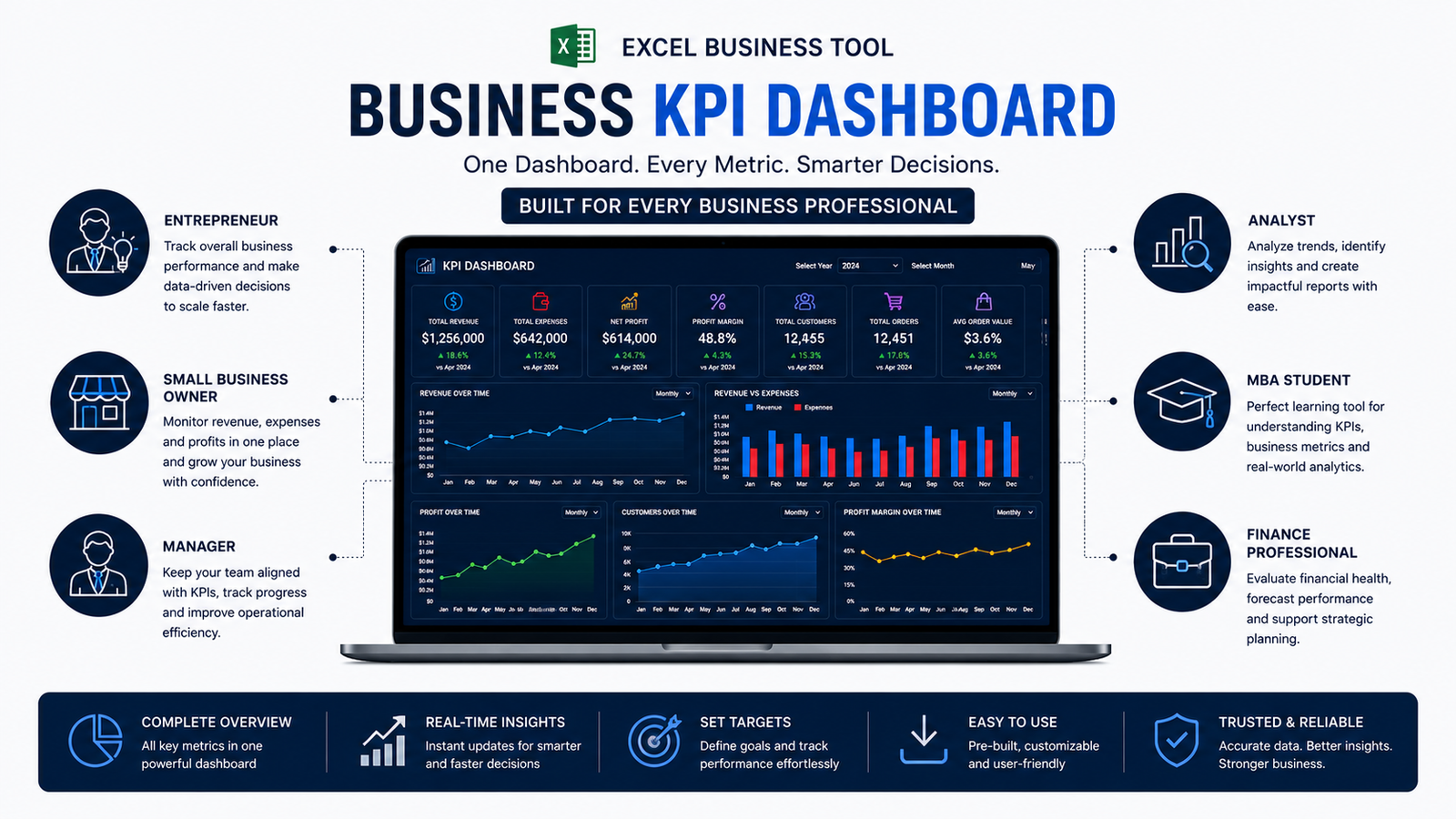
Perfect For
This template is suitable for:
- Small business owners
- Entrepreneurs
- Managers
- Business analysts
- Finance professionals
- MBA students
- Students learning business analytics
- Consultants
- Freelancers
- E-commerce businesses
- Service businesses
How It Works
Step 1
Download your files after purchase.
Step 2
Open the Excel dashboard.
Step 3
Replace the included sample data with your own business figures.
Step 4
Review your KPIs and performance charts.
Step 5
Use the dashboard to support your business analysis and reporting.
Product Format
Microsoft Excel (.xlsx)
Compatible with:
- Microsoft Excel
- Microsoft 365
- Compatible spreadsheet applications
Instant Digital Delivery
This is a digital product.
No physical product will be shipped.
After successful payment, you’ll receive access to your downloadable files through the order confirmation and your customer account.
Important Information
The workbook contains sample data for demonstration purposes.
You should replace the sample data with your own business information before using the dashboard for actual reporting or decision-making.
Microsoft Excel financial and budgeting resources
The template is an educational and productivity resource and does not guarantee specific business or financial results.
Small Business Financial Dashboard
Personal Budget & Expense Tracker
Support
Need help accessing your files?
Contact:
Frequently Asked Questions
1. What is the Business KPI Dashboard?
The Business KPI Dashboard is a professional Excel-based performance tracking and analysis tool designed to help businesses monitor key performance indicators, analyze trends, and make better data-driven decisions from one centralized dashboard.
2. Who is this KPI Dashboard designed for?
It is suitable for small business owners, entrepreneurs, managers, business analysts, MBA students, finance professionals, and anyone who wants to track and analyze business performance using Excel.
3. Do I need advanced Excel skills to use the dashboard?
No. The dashboard is designed to be user-friendly. Basic knowledge of Excel is helpful, but you do not need advanced Excel or programming skills to use the template.
4. What can I track with this dashboard?
You can use the dashboard to monitor important business performance indicators, identify trends, compare performance, and gain a clear overview of business results.
5. Can I customize the dashboard?
Yes. You can customize the input data, KPIs, categories, reporting periods, and other available elements to suit your business requirements.
6. Can I use this dashboard for my own business?
Yes. You can use the template for your own business analysis, reporting, planning, and internal decision-making.
7. Is this product an Excel file?
Yes. This is a digital Excel-based business analytics product. You can download the files after your purchase and use them on a compatible device.
8. What software do I need?
Microsoft Excel is recommended for the best experience and compatibility with the dashboard’s formulas, calculations, and interactive features.
9. Will the dashboard work with my own business data?
Yes. You can enter your own business data into the designated input areas and use the dashboard to analyze your performance.
10. Is any programming or coding required?
No. You do not need Python, VBA, programming, or coding knowledge to use the dashboard.
11. Can I use the dashboard for multiple reporting periods?
Yes. The dashboard can be used for ongoing business performance tracking by entering and updating your relevant data according to your reporting requirements.
12. Can I use it for learning or academic purposes?
Yes. It can be useful for MBA students, business analytics learners, and professionals who want practical experience with KPI tracking, business performance analysis, and Excel-based dashboards.
13. Is this a physical product?
No. This is a digital product. Nothing will be shipped physically.
14. How will I receive the product after purchase?
After successful payment, your digital files will be made available through your BizAnalyticsMBA account under the Downloads section.
15. Can I download the product again later?
Yes. Once download access has been granted to your account, you can access the available files from your account’s Downloads section, subject to the product’s download settings.
16. Can I edit the Excel template?
Yes. The template is designed to be customizable so you can adapt the available inputs and analysis to your requirements.
17. Can I use the dashboard for client or company reporting?
You may use the dashboard for your own business or internal professional analysis. Please review the product’s license terms for restrictions regarding redistribution, resale, or sharing the original files.
18. Can I resell or redistribute the template?
No. The original files, templates, or any modified versions should not be resold, redistributed, uploaded, or shared as a competing digital product. Please refer to the included license terms for complete usage rights.
19. What if I have trouble using the dashboard?
If you experience any difficulty accessing or using the product, contact BizAnalyticsMBA support at bizanalyticsmba@outlook.com and provide details about the issue. We will assist you as appropriate.
20. Is a refund available?
Because this is a digital product that provides downloadable files, refunds are subject to the applicable BizAnalyticsMBA refund policy. Please review the refund terms before purchasing.
Reviews
There are no reviews yet.