
Description
Personal Budget & Expense Tracker
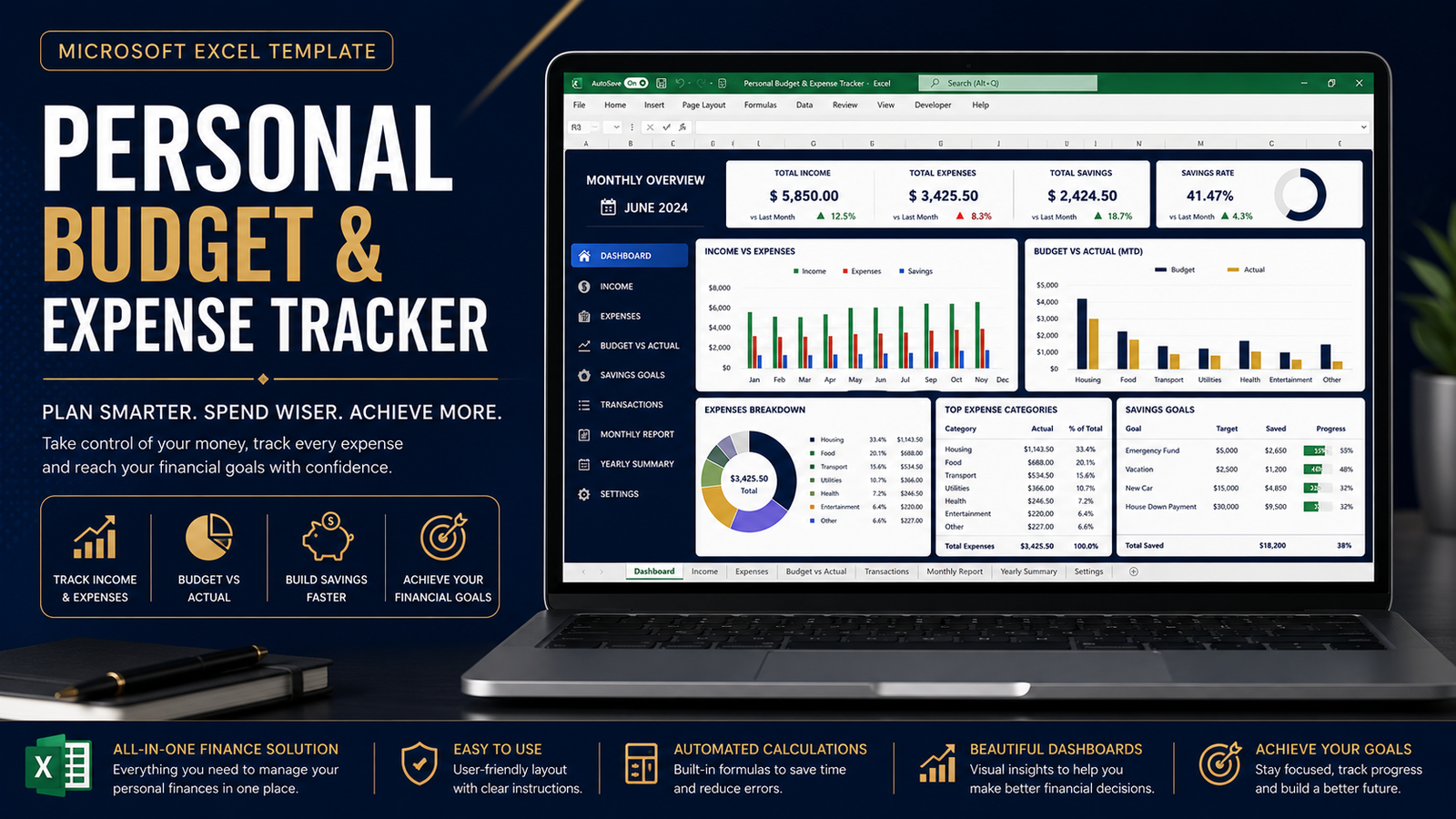
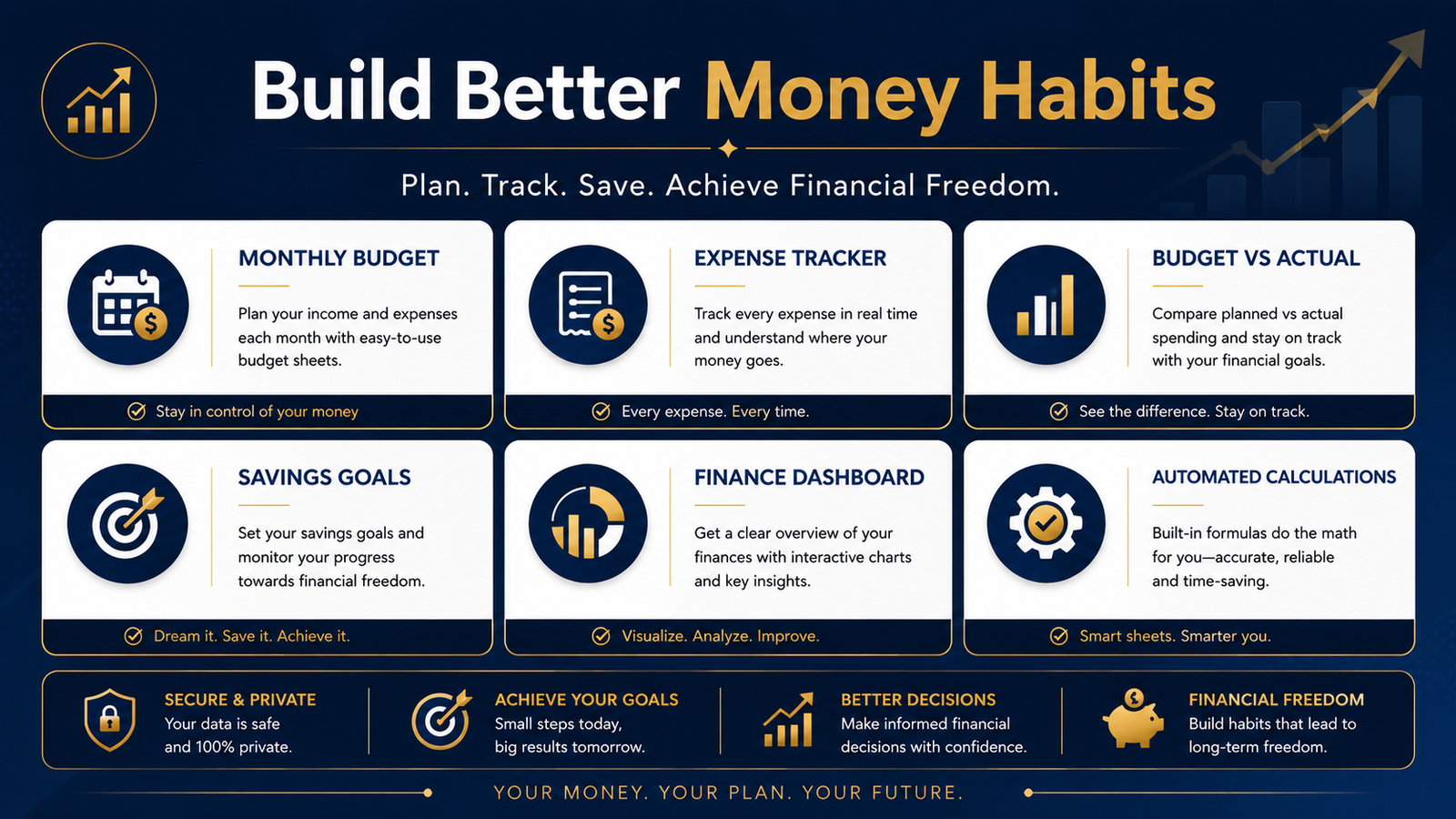
The Personal Budget & Expense Tracker is a practical Excel workbook designed to help you plan your finances, monitor spending and understand where your money is going. Managing personal finances becomes much easier when your income, expenses, budget and savings goals are organized in one place.
Instead of building a personal budgeting spreadsheet from scratch, you can use a structured system that brings your monthly planning and expense tracking together.
Whether you’re managing a household budget, planning monthly expenses, working toward savings goals or simply trying to develop better financial habits, this personal budget and expense tracker provides an organized starting point.
Plan Your Personal Budget
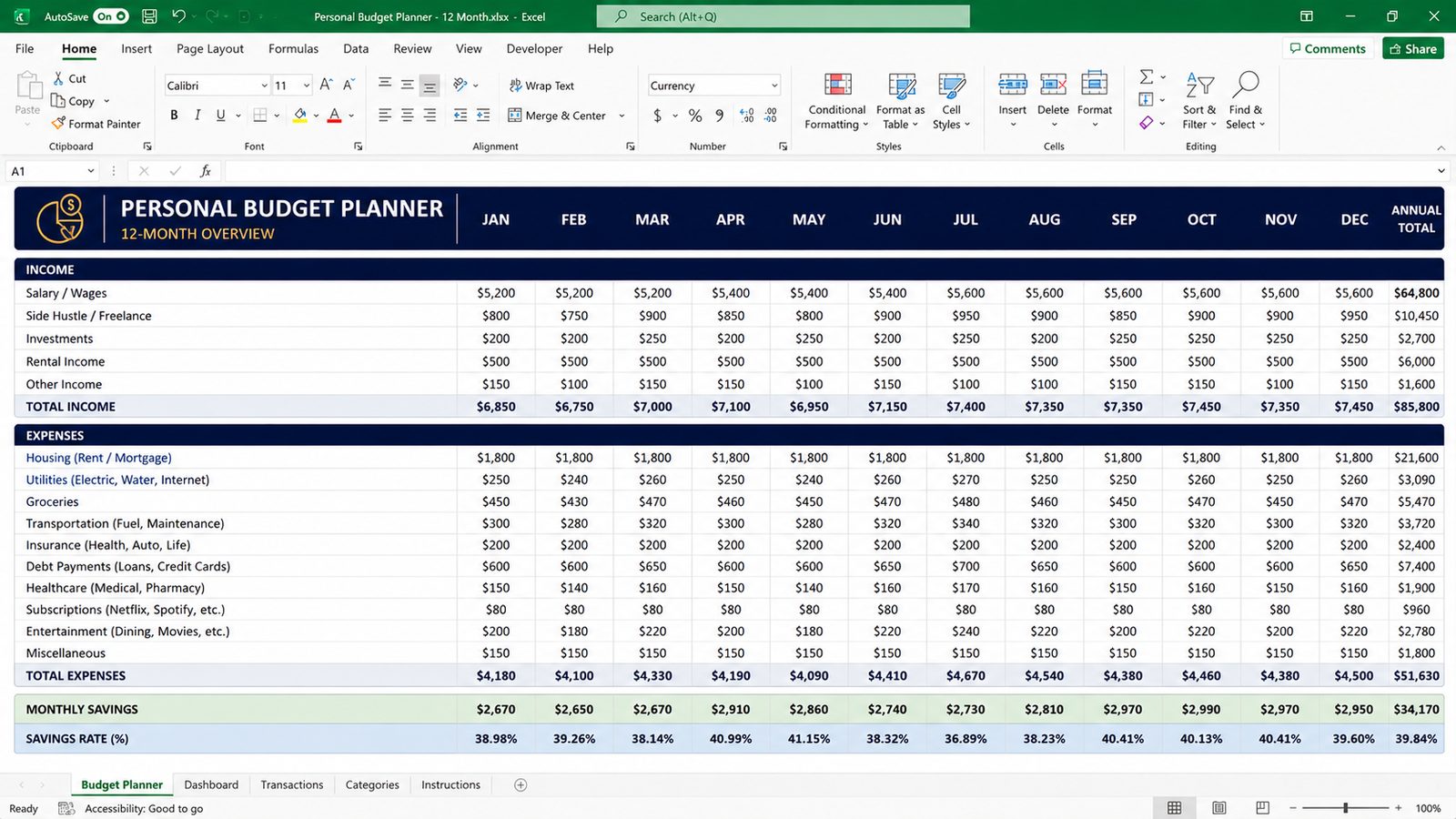
The Annual Budget sheet helps you create a 12-month financial plan.
You can enter expected income and expenses for each month and review your annual totals automatically.
Income categories include:
- Salary / Wages
- Freelance / Side Income
- Other Income
Expense categories include:
- Housing
- Utilities
- Groceries
- Transportation
- Insurance
- Debt Payments
- Healthcare
- Subscriptions
- Entertainment
- Other Expenses
The structure gives you a simple way to understand your expected monthly financial position before the month begins.
Track Monthly Budget vs Actual Spending
Planning a budget is only the first step.
The Monthly Tracker allows you to compare what you planned to spend with what you actually spent.
You can review:
Budget → Actual → Variance
This makes it easier to identify areas where spending is higher or lower than expected.
For example, if you planned $300 for groceries but actually spent $350, the variance helps highlight the difference so you can make better decisions in future months.
Track Every Expense
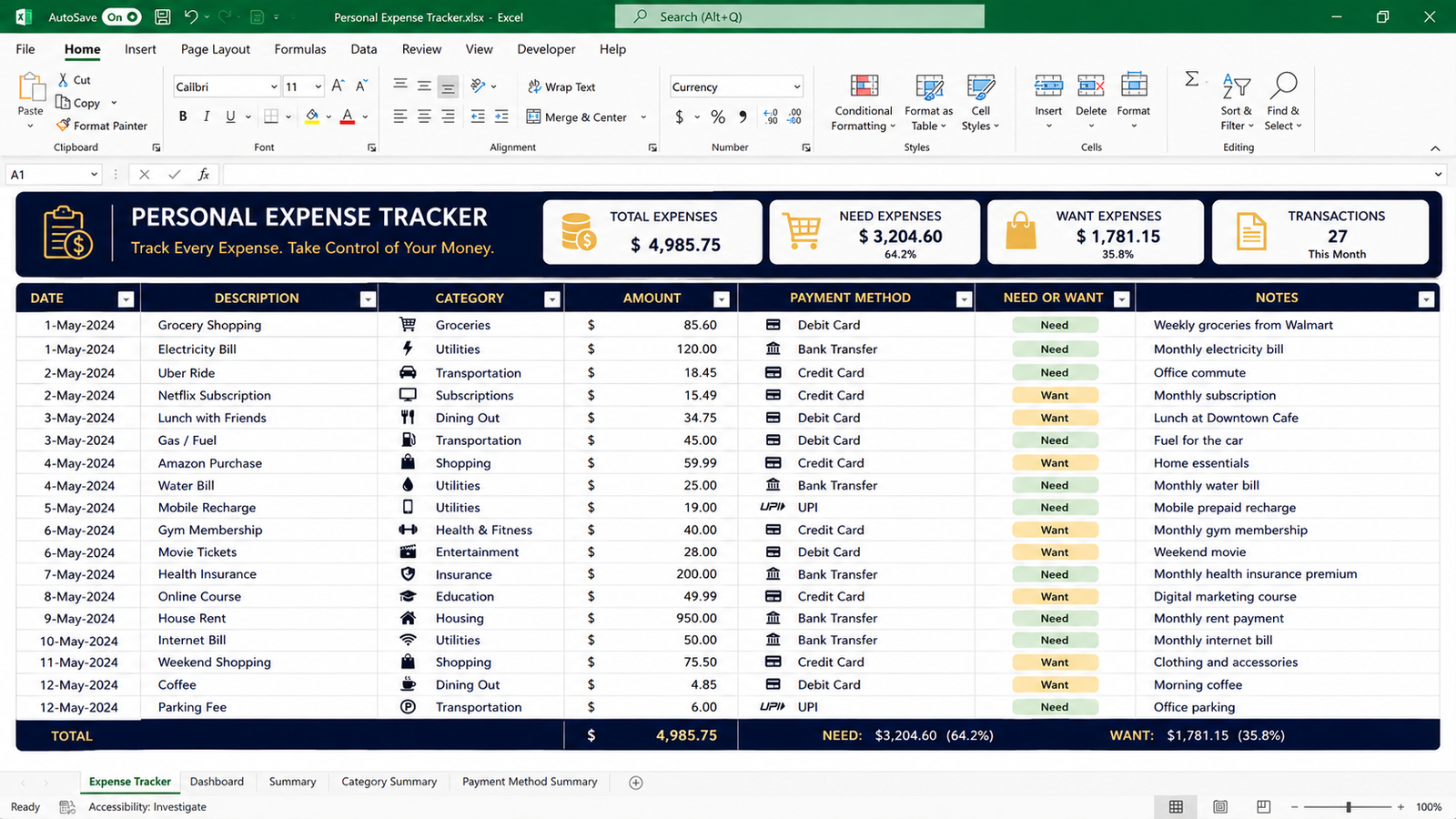
The built-in Expense Tracker gives you a dedicated place to record your transactions.
You can record:
- Date
- Description
- Category
- Amount
- Payment method
- Need or Want
- Notes
The Need / Want classification is particularly useful for identifying discretionary spending.
Over time, your expense records can help you recognize spending patterns and determine where adjustments may be possible.
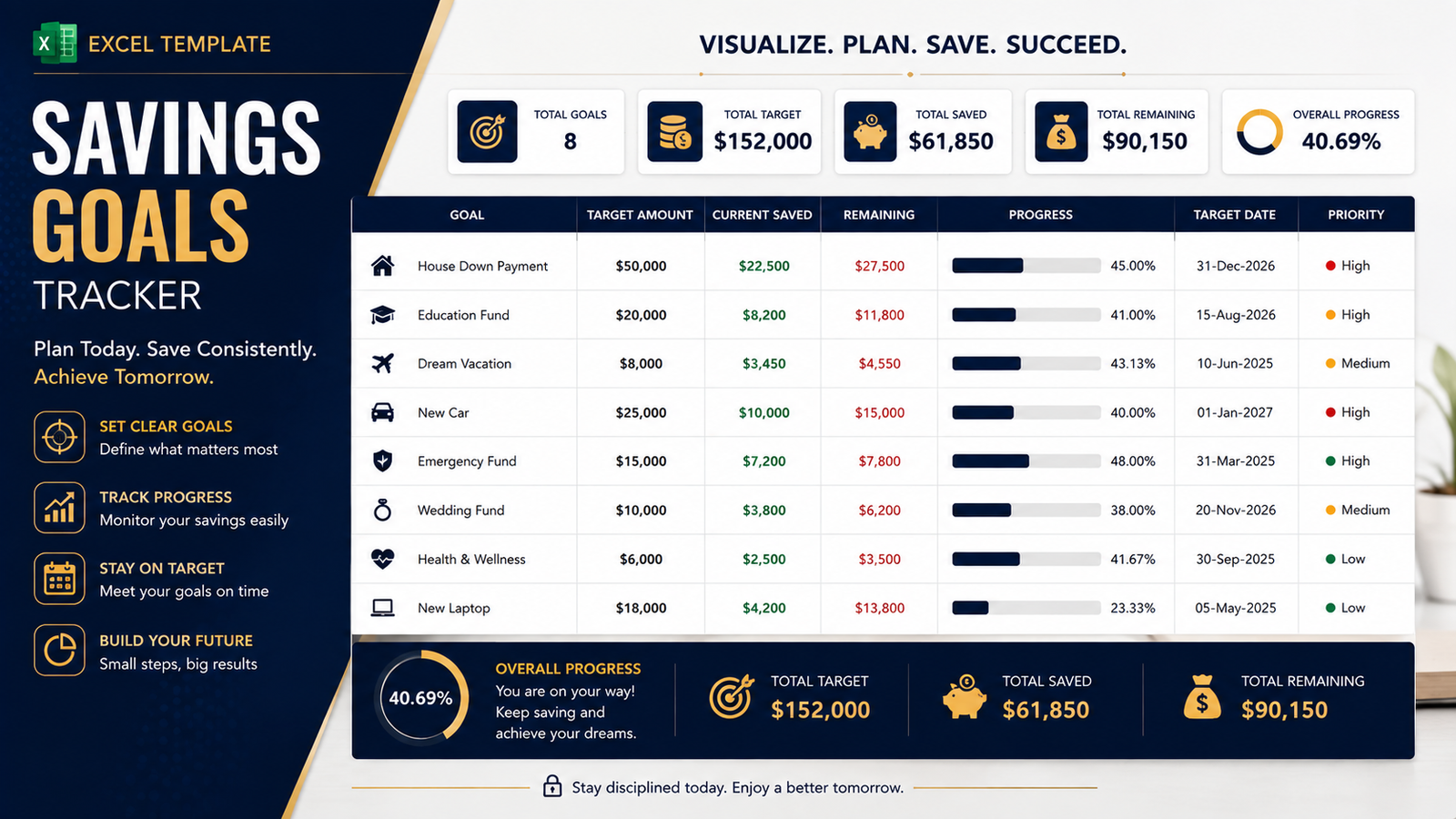
Monitor Your Savings Goals
Saving becomes easier when you have a specific target.
The Savings Goals sheet allows you to create individual goals and monitor progress toward each one.
You can enter:
- Goal name
- Target amount
- Current savings
- Remaining amount
- Target date
- Priority
- Notes
The remaining amount is calculated automatically.
This can be used for goals such as:
- Emergency fund
- Vacation
- New laptop
- Education
- Home purchase
- Car
- Other personal goals
Personal Finance Dashboard
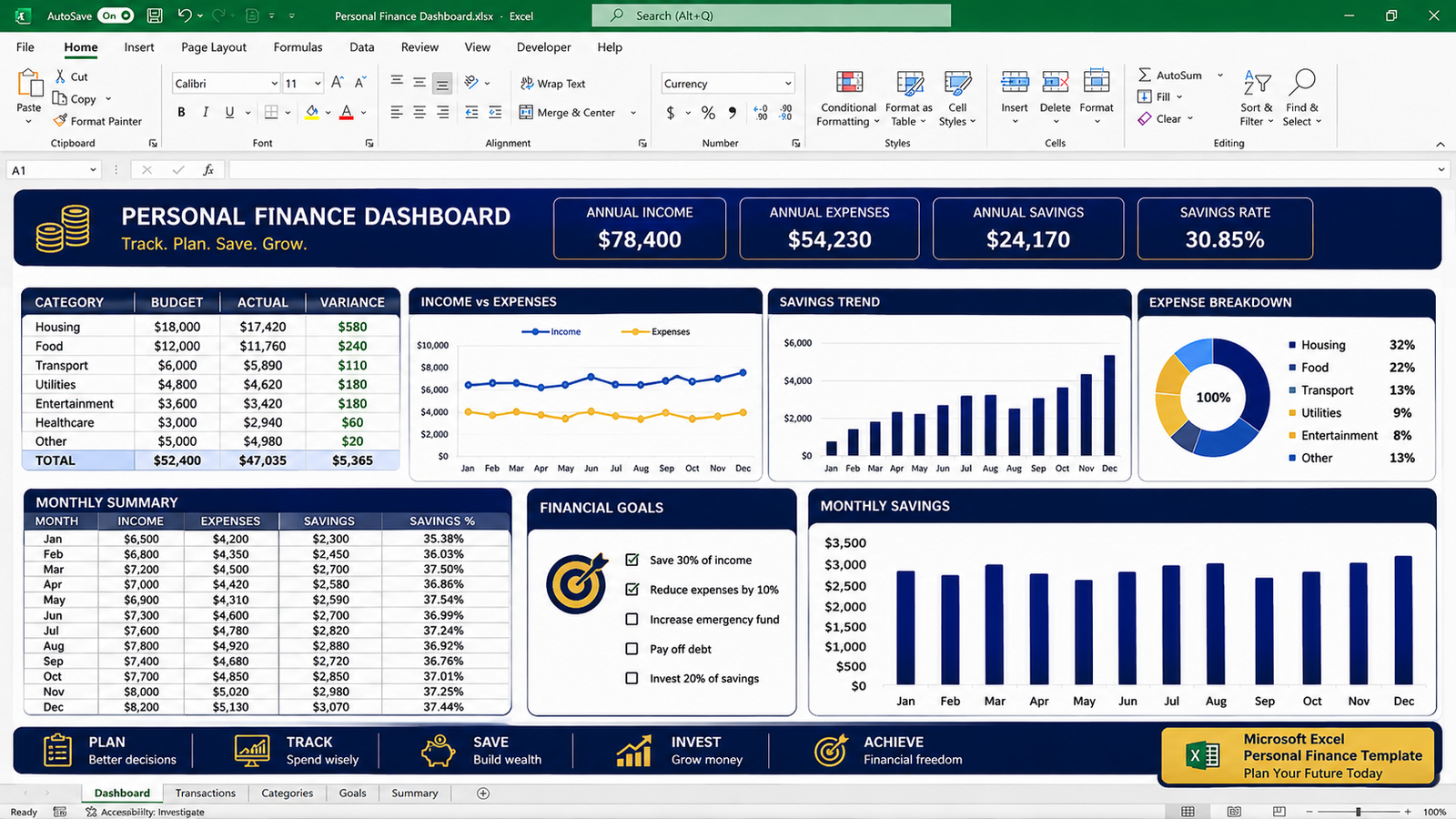
The Budget Dashboard provides a quick overview of your financial position.
You can monitor:
- Annual income
- Annual expenses
- Annual savings
- Savings rate
- Monthly savings
A monthly savings chart gives you a simple visual representation of how your savings change throughout the year.
Instead of switching between multiple worksheets every time you want an overview, the dashboard brings the most important figures together.
Who Is This Template For?
This personal budget and expense tracker is suitable for:
- Professionals
- Employees
- Freelancers
- Students
- Families
- Young professionals
- Entrepreneurs
- Individuals starting their personal finance journey
- Anyone who wants a structured Excel budgeting system
You don’t need advanced Excel knowledge to use the workbook.
The template includes instructions and structured input areas so you can begin entering your own information immediately.
What’s Included?
Your purchase includes:
✔ Personal budget planner
✔ 12-month annual budget
✔ Monthly budget tracker
✔ Budget vs actual comparison
✔ Personal expense tracker
✔ Need vs Want classification
✔ Savings goals tracker
✔ Personal finance dashboard
✔ Monthly savings chart
✔ Automated calculations
✔ Quick-start guide
✔ Budget category guide
✔ License document
Why Use an Excel Budget Template?
A spreadsheet gives you flexibility.
You can customize categories, change amounts, update your financial goals and adapt the workbook to your own situation.
The personal budget and expense tracker is designed to provide structure without making personal budgeting unnecessarily complicated.
You can start with your current income and expenses, update your numbers regularly and use the dashboard to review your progress.
Start Managing Your Money More Intentionally
A personal budget doesn’t have to be complicated.
The most important step is creating a consistent system for planning your income, tracking your expenses and reviewing your results.
Use this personal budget and expense tracker to create a clearer picture of your finances, monitor your spending and work toward your savings goals.
Download the Personal Budget & Expense Tracker and start organizing your finances today.
If you want to learn more about creating and managing budgets in Excel, you can also review Microsoft’s Excel budgeting guidance.
Frequently Asked Questions
1. What is included in the Personal Budget & Expense Tracker?
The package includes an Excel personal budget planner, monthly tracker, expense tracker, savings goals planner, dashboard, quick-start guide, category guide and license document.
2. Is this an Excel template?
Yes. The main product is provided as a Microsoft Excel .xlsx workbook.
3. Can I track monthly expenses?
Yes. The Expense Tracker allows you to record individual expenses with their date, description, category, amount, payment method and notes.
4. Can I compare my budget with actual spending?
Yes. The Monthly Tracker includes Budget, Actual and Variance columns for comparing planned and actual spending.
5. Can I track savings goals?
Yes. The Savings Goals sheet allows you to enter a target amount, current savings, target date and priority. The remaining amount is calculated automatically.
6. Can I customize the categories?
Yes. The workbook is designed to be customizable so you can adapt categories to your own financial situation.
7. Do I need advanced Excel knowledge?
No. Basic Excel knowledge is sufficient. The workbook includes a Quick-Start Guide and structured input areas.
8. Is this a physical product?
No. This is a digital product. Nothing will be physically shipped.
9. How will I receive my purchase?
You receive the files as an instant digital download after successful payment. Your files can also be accessed from My Account → Downloads.
10. Can I reuse the template?
Yes. You can keep a clean master copy and reuse the template for future budgeting periods.
Reviews
There are no reviews yet.